Linux Desktop
My Linux Desktop: NixOS, Hyprland, and Quickshell
For my Linux desktop, I eventually landed on NixOS. It’s a bit fringe—sitting somewhere adjacent to Arch—but the core appeal is that everything is defined through deterministic configuration files. The philosophy is simple: write every detail down so the entire system is fully reproducible.
Before this, I was never really a "Linux user" in the traditional sense; my experience was limited to the generic world of EC2 instances and Docker images. The gap between Windows and Linux as a daily driver is vast, and one of the first hurdles I faced was choosing a window manager and a UI rendering stack.

A Detour Through KDE
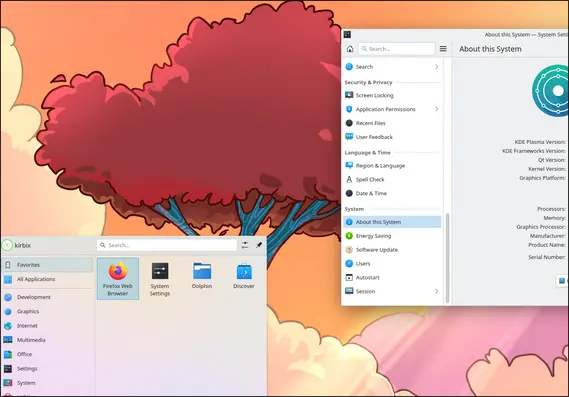
My first attempt was KDE Plasma, and I hated it—badly enough that I actually retreated to Windows for a while. There were two dealbreakers I couldn't get past on a fresh install.
First, Krisp noise suppression refused to work inside Discord. It turned out to be a package signature mismatch that prevented Krisp from loading, and I never found a clean fix. Beyond the technical bugs, the UI just felt bland. It’s functional, but it feels like it’s trying to imitate macOS or Windows without ever committing to its own identity.
Why I Stayed with NixOS
Despite my frustrations with KDE, NixOS itself kept impressing me. One feature I didn't expect was how trivial it makes patching open-source projects. I don’t need to be an expert on compilers; I can just diff a project against my changes, apply a patch file, and let NixOS handle the rest. I’ve already used this power on a few well-known projects (which I’ll cover in a future post), and it provided a level of control I never felt even when using Arch.
Switching to Hyprland
One of the best things about NixOS is that swapping your entire window manager is just a single config change. I moved to Hyprland, and Nix resolved all the dependencies automatically. A few tweaks later, I was running a more barebones but far better-fitting environment—and as a bonus, Discord integration worked immediately via Vesktop.

Hyprland’s feature set was exactly what I was looking for: window rules, custom keybinds, and smooth animations, all manageable through my Nix config. The only real trade-off is that running sudo nixos-rebuild is significantly slower than editing a Hyprland config directly. I still keep my settings inside Nix since I rarely touch the defaults, though I did eventually develop a theme-switching idea that deserves its own write-up.
The plugin ecosystem is equally solid. Tools like Hypridle and Hyprlock provided idle detection and a lock screen with minimal effort, proving that even though Hyprland is "barebones," the essentials are well-covered.
Ricing and the Quest for a Good Bar
Once the core setup was stable, I started looking for more—aesthetics, customization, and a setup that actually felt like mine. In the Linux community, this is called "ricing," a term borrowed from car modding that now refers to obsessively configuring a distro’s look and feel.
I started with Waybar, but it felt too constrained. Eww presented similar hurdles; configuration-file-driven UIs always seemed to be missing the one specific thing I wanted.
Next, I tried AGS for my bar and UI elements. It wasn't for me, and the JavaScript syntax was only part of the problem. Under load, memory usage grew exponentially. The breaking point came when I tried to draw quick animations using the GTK backend; every draw call bloated the memory with no clean way to stop it. That’s a difficult bug to work around.
Discovering Quickshell
That’s when I found Quickshell. I first spotted it in a Nier: Automata-themed ricing video and noticed the author was using it. At the time, it had around 200 stars on GitHub—it’s up to 2.3k now, so I get to feel like a hipster who liked it before it was cool.
Quickshell is built on QML, a language I had actually encountered during my time at John Deere. They used QML/Qt to build tractor UIs, so the syntax felt familiar. The Qt documentation is also far more expansive than anything AGS offered, which made the learning curve much shallower. I suppose I have my former corporate overlords to thank for sponsoring my Qt knowledge.
The Final Stack
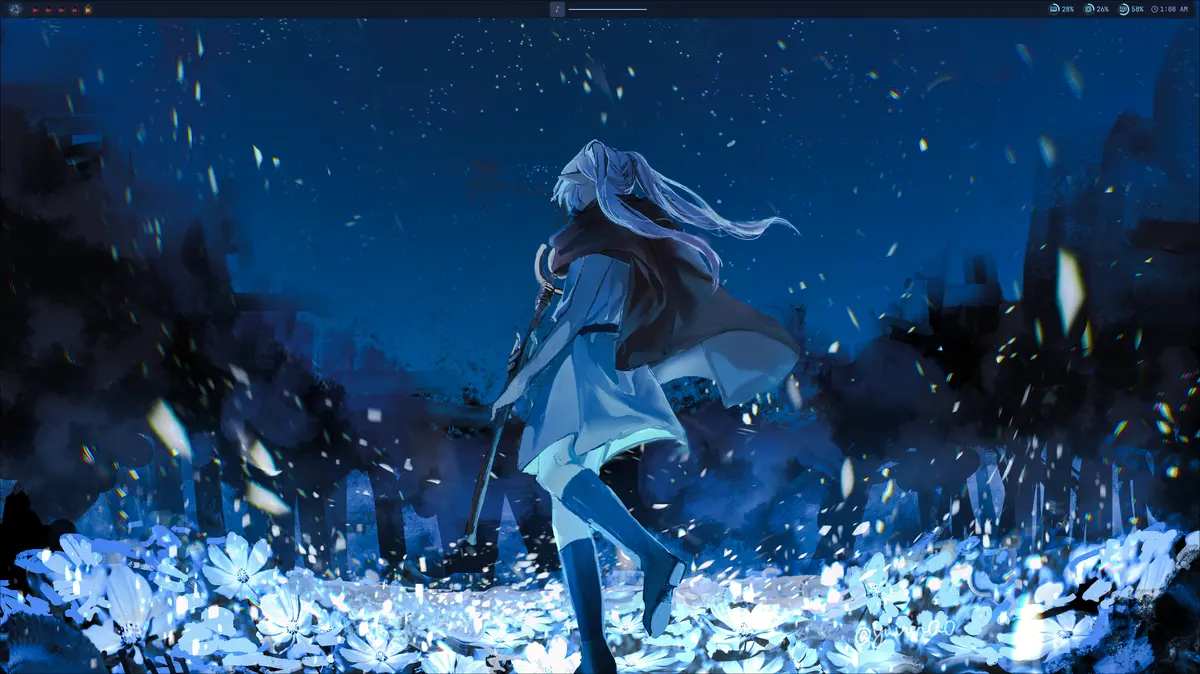
With Quickshell handling the UI, NixOS managing the system, and Hyprland as the window manager, I’ve finally found a setup that makes me happy. There’s something freeing about having total control over your software stack—if something breaks, you can actually have the tools to fix it.